 MyGallery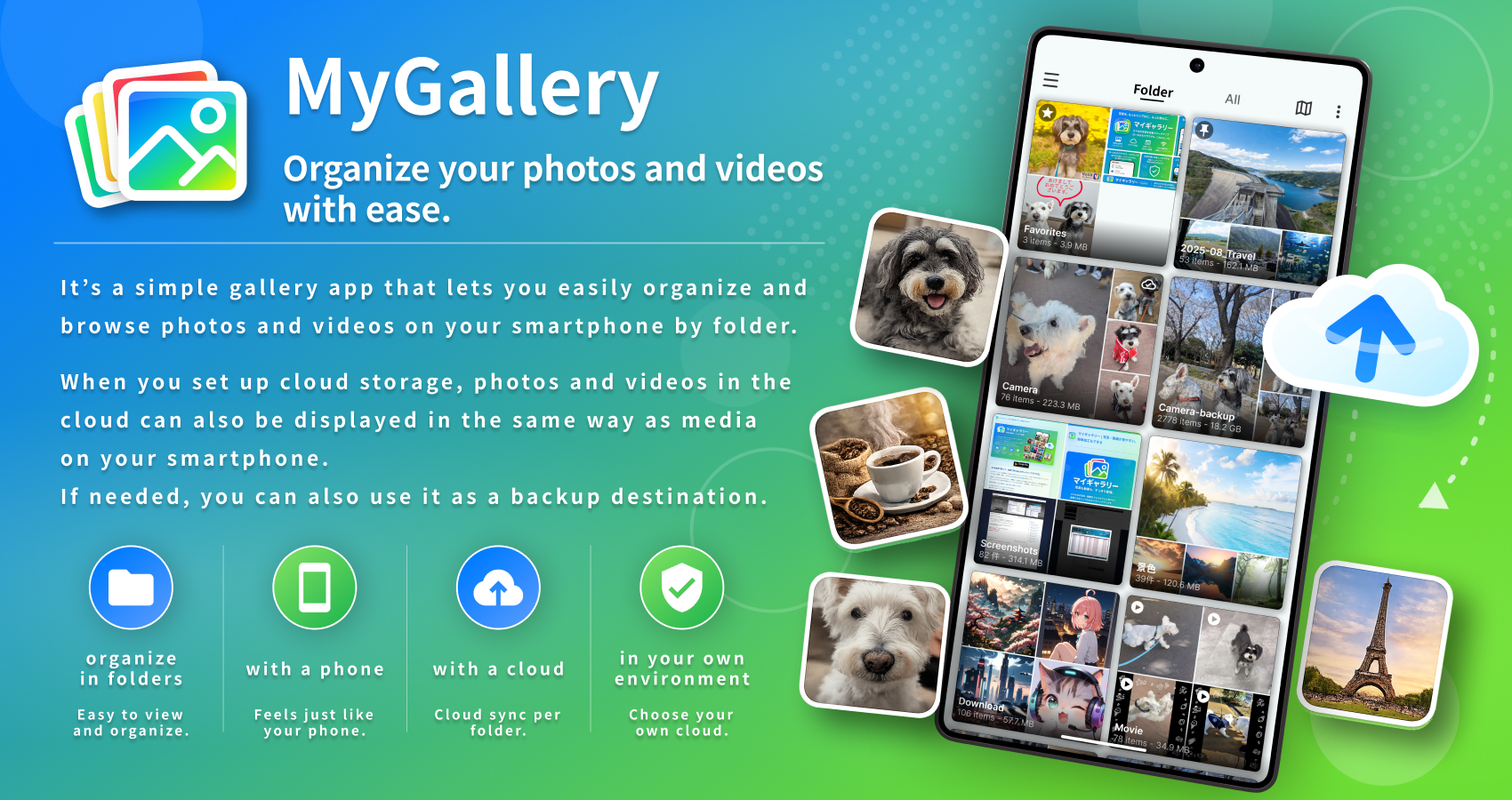

A gallery app built by putting AI to serious use, and making it as polished as possible.
MyGallery is the first mobile app I've built as an independent developer. Before this, I built and released a text editor for Windows called "gPad," which won the Silver Award at the Forest.watch Awards 2012.
This time, rather than just letting AI build the app, I made every decision as the developer and worked out the details myself. What can a long-time engineer build when they put AI to serious use? This app is the answer.
I've documented the development process in an article on Zenn and in the full list of articles.
What kind of app can you build when you put AI to serious use?
If that sounds interesting, give it a try.
Key Features
- View photos and videos organized by folder
- Full-screen viewing of photos and video playback
- Edit photos and videos (crop, rotate, filters, drawing, add text, and more)
- Per-folder display, sorting, grouping, and pinning
- Copy, move, and delete photos and videos, and move them to the trash
- Support for Google Cloud Storage / S3-compatible storage
- Back up to a configured cloud destination
About Cloud Storage Integration
The App connects to Google Cloud Storage or S3-compatible storage only when you explicitly set it up. With cloud storage integration, the App uses photos and videos in a bucket you manage or have the right to use, for gallery display, syncing, and file management.
The App does not use photos, videos, object information, or credentials in your cloud storage for advertising, sales, or any purpose unrelated to providing the App's features.
Provider and Contact
Provider: UH / mfactory.me
Official page: https://mygallery.mfactory.me/
Contact: uh@mfactory.me